Target buyer view
Restaurants, cafes, bakeries, bars, resorts, retail stores, salons, entertainment venues, laundries, garages, gift shops, and multi-branch operators modernizing sales and inventory operations.
Ready-made product
A ready-made POS operating system for restaurants, cafes, retail stores, service businesses, and multi-branch operators with offline sales, cashier stations, table service, inventory, kitchen display, customer display, reports, permissions, and hardware support.
Product visual gallery
This section converts the ready-made product into visible workspaces for buyers, operators, and technical reviewers.
Restaurants, cafes, bakeries, bars, resorts, retail stores, salons, entertainment venues, laundries, garages, gift shops, and multi-branch operators modernizing sales and inventory operations.
The product can be presented as a clear operating journey from onboarding to reporting.
The first release should make the core modules visible enough for buyers to evaluate the build.
The architecture view helps technical buyers understand integrations, deployment choices, controls, and data flow.
Fast selling workspace for counter service, table service, mobile ordering, and daily cashier operations.
Operational workflows for floor plans, tables, kitchens, customer displays, and branch service teams.
Product fit
Retail and restaurant operations
Restaurants, cafes, bakeries, bars, resorts, retail stores, salons, entertainment venues, laundries, garages, gift shops, and multi-branch operators modernizing sales and inventory operations.
The solution page explains the deeper module map, workflow detail, and technical delivery outline.
Why buyers choose it
Keep taking orders, printing receipts, and accepting payments even when the internet connection is unstable.
Track sales, inventory, cashier shifts, outlets, reports, and branch performance from a single cloud back office.
Support touch screens, desktop stations, tablets, mobile order stations, floor plans, quick orders, modifiers, and split payments.
Deduct ingredients after every sale, manage stock movements, vendors, purchase orders, warehouses, price rules, and product groups.
Competitive angle
| Traditional gateway | Cloud POS and Multi-Branch Retail Operations Platform |
|---|---|
| Cash registers and spreadsheets split daily work | Unified cashier, inventory, branch, and reporting workflows |
| Internet outages stop service | Offline order, receipt, and payment continuity can be built into the POS flow |
| Inventory is updated manually after sales | Recipe and stock deduction workflows update inventory after each sale |
| Kitchen and service teams rely on verbal updates | Kitchen, order, customer, and promotion displays keep teams aligned |
| Owners wait for manual reports | Real-time dashboards show sales, payment types, products, shifts, and branch performance |
| Permissions are hard to control | Role-based authorization, audit trail, deleted-order tracking, and cashier action controls |
How it works
The payment journey starts here.
The platform moves the payment forward with traceable status and controls.
The platform moves the payment forward with traceable status and controls.
The platform moves the payment forward with traceable status and controls.
The platform moves the payment forward with traceable status and controls.
The platform moves the payment forward with traceable status and controls.
The platform moves the payment forward with traceable status and controls.
Industries
Manage dine-in, takeaway, delivery, floor plans, kitchen printers, table orders, recipe inventory, cashier shifts, and end-of-day reports.
Use barcode scanning, product groups, stock counts, warehouse transfers, receipt customization, payments, and branch reports.
Support rooms, tables, reservations, time-based pricing, multiple outlets, customer displays, and service-order workflows.
Fit salons, laundries, garages, gift shops, and local businesses that need simple sales, inventory, reporting, and staff permissions.
Architecture and deployment
Platform architecture
Deployment options
Core workspaces
Fast selling workspace for counter service, table service, mobile ordering, and daily cashier operations.
Operational workflows for floor plans, tables, kitchens, customer displays, and branch service teams.
Stock control, recipe management, vendor workflows, and product data for retail and food operations.
Payment and document workflows for local operations and multi-currency businesses.
Owner, manager, and admin controls for reporting, performance visibility, and operational accountability.
Scope detail
Core modules
MVP scope
Deliverables
Implementation path
Pricing paths
For single-location businesses that need cashier, products, payments, receipts, basic inventory, and daily reports.
For food and beverage teams adding floor plans, tables, kitchen printing, modifiers, recipes, split orders, and service workflows.
For operators that need branch dashboards, outlet controls, stock transfers, permissions, reports, and owner analytics.
For businesses that need POS hardware rollout, local payment integrations, custom reports, mobile ordering, and private deployment planning.
FAQ
Yes. The implementation can include offline order, receipt, and payment workflows with sync planning for branch continuity.
Yes. The scope can include floor plans, table or room reservations, dine-in, delivery, takeaway, split and merge orders, modifiers, kitchen printing, and order displays.
Yes. Recipe-based inventory can deduct ingredients after each sale and connect to stock counts, purchase orders, vendors, warehouses, and inventory movement reports.
Yes. The rollout can plan touch screens, tablets, receipt printers, kitchen printers, cash drawers, barcode scanners, label printers, scales, customer displays, and order displays.
Request a scope
We can shape the landing page, module map, architecture notes, and commercial proposal around your market.
Real project visuals
These visuals connect eFarm Gateway's vision to practical software projects in payments, agriculture, clean mobility, operations, and emerging-market infrastructure.
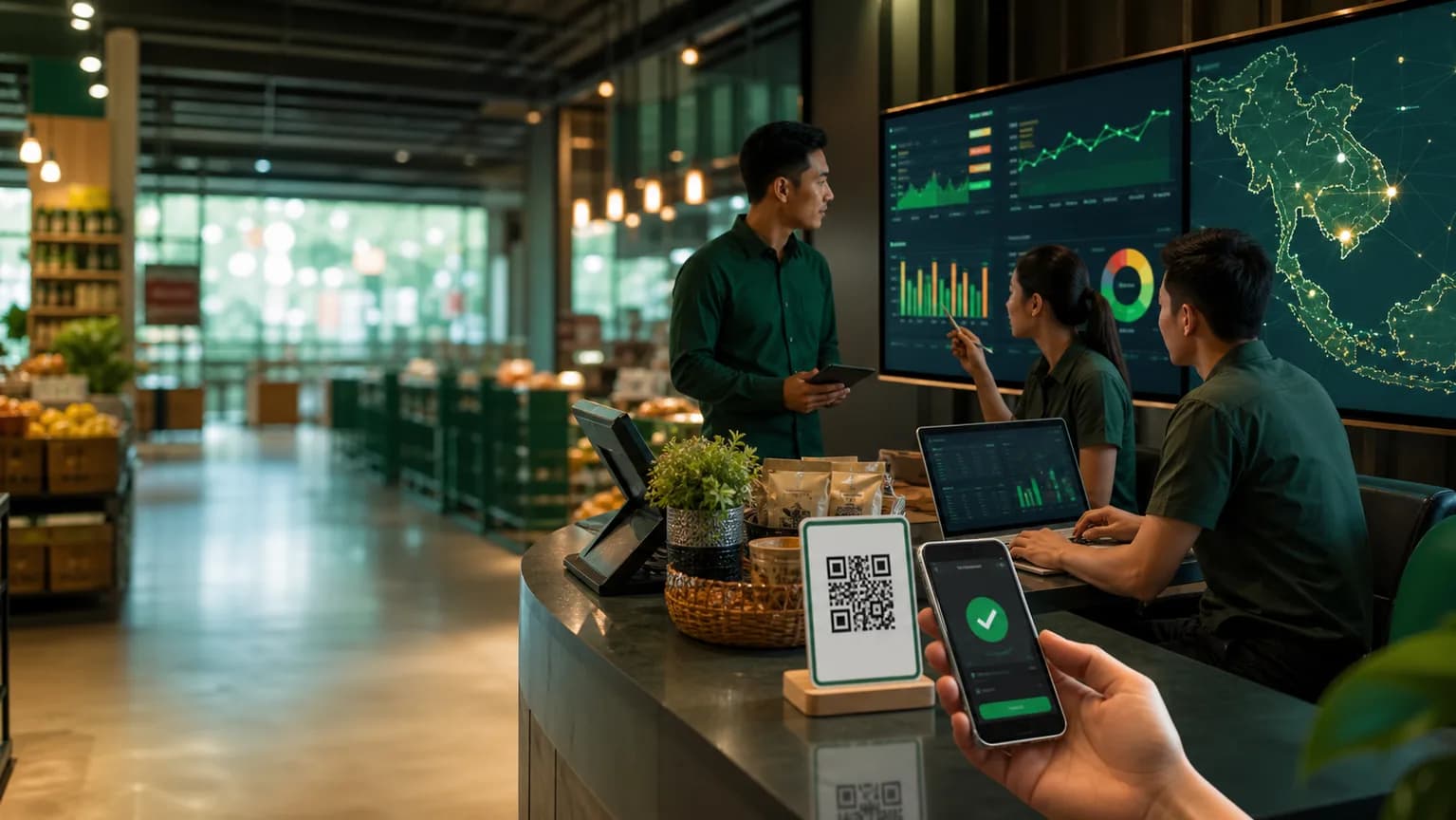
Wallet, merchant QR, settlement, reconciliation, payment operations, and reporting workflows for payment teams.
View wallet rails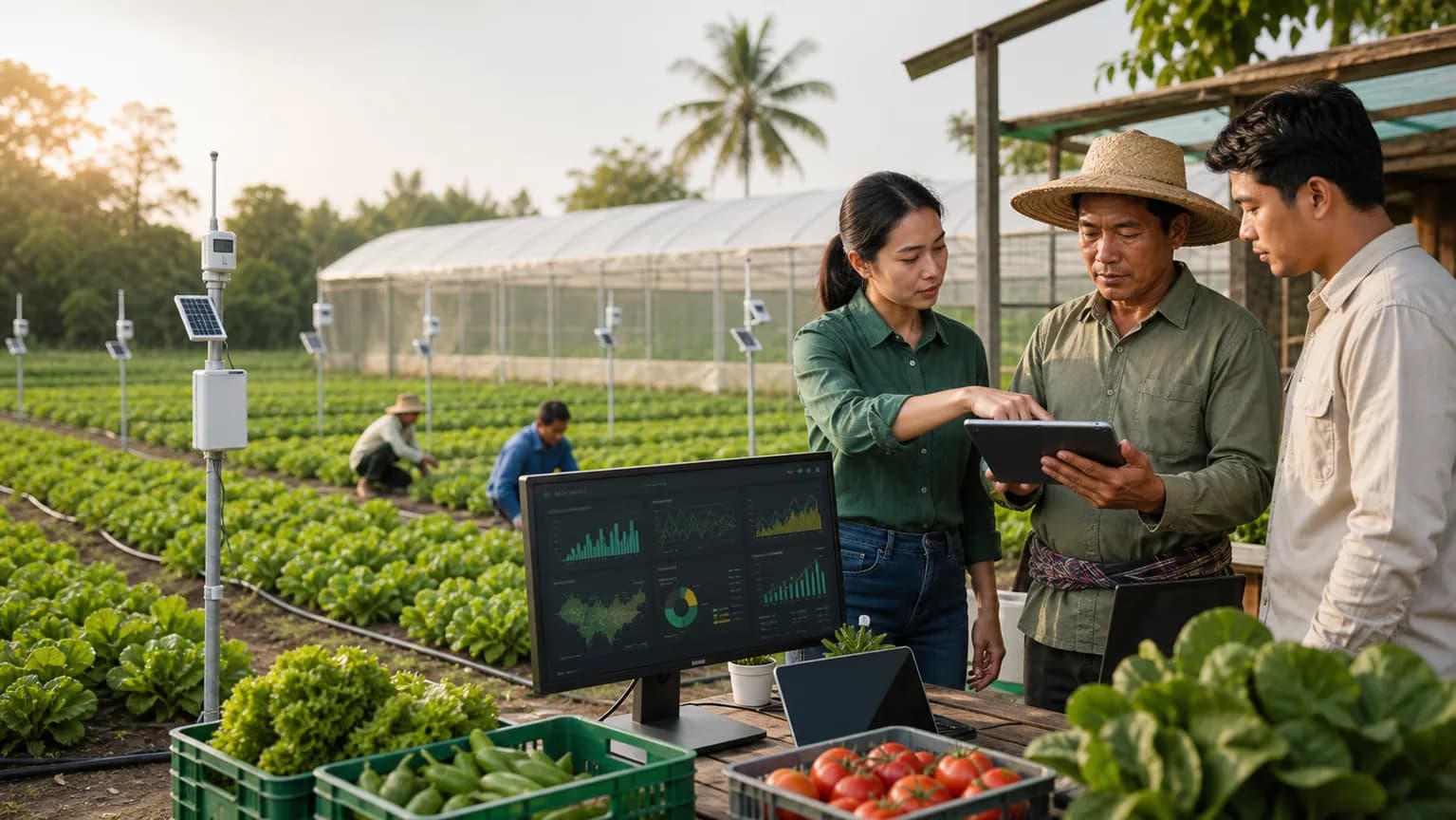
Farm records, buyer contracts, inspection, traceability, crop planning, and harvest settlement systems.
View AgTech demo
Fleet dashboards, charging operations, service tickets, route planning, battery health, and pilot rollout evidence.
View mobility projecteFarm Gateway growth system
We connect research, software engineering, operational workflows, and investor-ready proof so each project can move from idea to product, then from product to growth.
Map the buyer, market pressure, workflow pain, local rules, and evidence needed before a product build.
Turn ideas into modules, user journeys, data models, integrations, risks, and an MVP boundary.
Build the product page, dashboard, backend workflow, admin controls, and request path buyers can evaluate.
Track leads, usage signals, partner feedback, delivery proof, and the next modules worth funding.